AI image prompts: how to write them, model by model
Short answer
A good image prompt names the subject, the setting, the light and the medium, and the one detail that must be right. Chat-based models such as ChatGPT and Gemini read that best as plain sentences; diffusion models start from noise and lean towards your words step by step. Every example in these guides was run and dated by us.
Where to start
- Prompts for ChatGPT and Gemini images
Plain sentences, then follow-up turns: tested on both chat models.
- CraftArt stylesPhotorealisticHow models work
Style words, realism and how models read a prompt.
- How image models work
Noise, denoising and guidance, and why the same prompt changes.
By model and technique
Each guide shows the prompt, the frames it produced, and the one we kept.
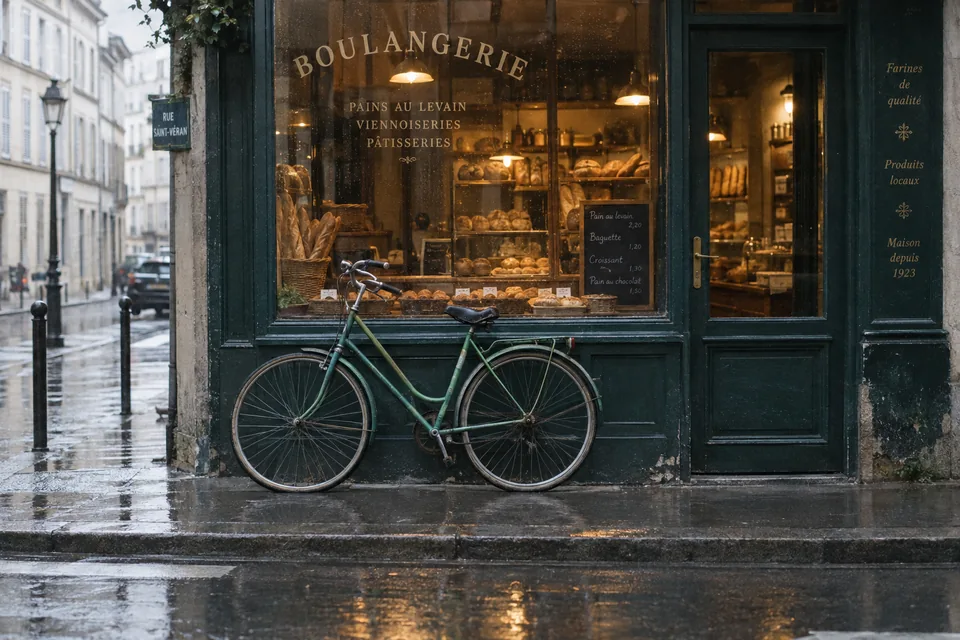
- frame 02▸ 02NF PRChatGPT and Gemini imagesSentences beat tag lists; text needs quoting.Read the page
- frame 03
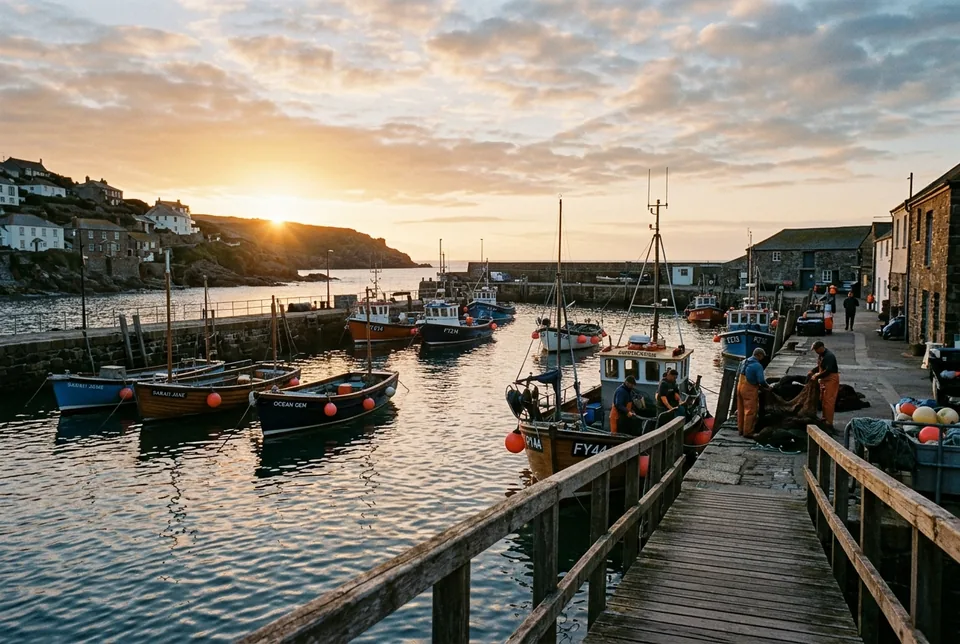 ▸ 03NF PRPhotorealistic promptsDescribe the photograph, not the realism.Read the page
- frame 04
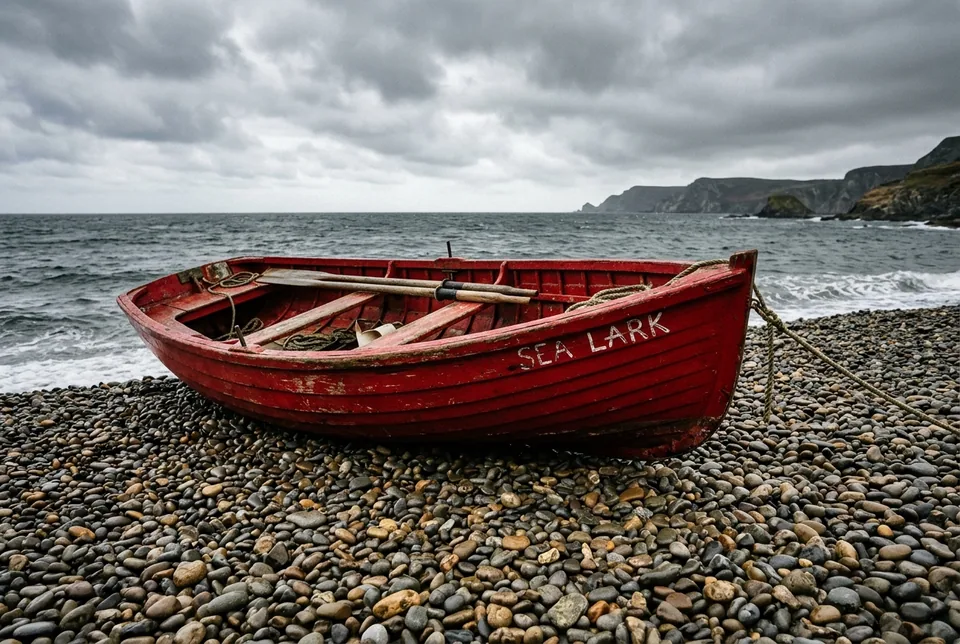 ▸ 04NF PRHow image models workWhy the same words give a new picture.Read the page
- frame 05
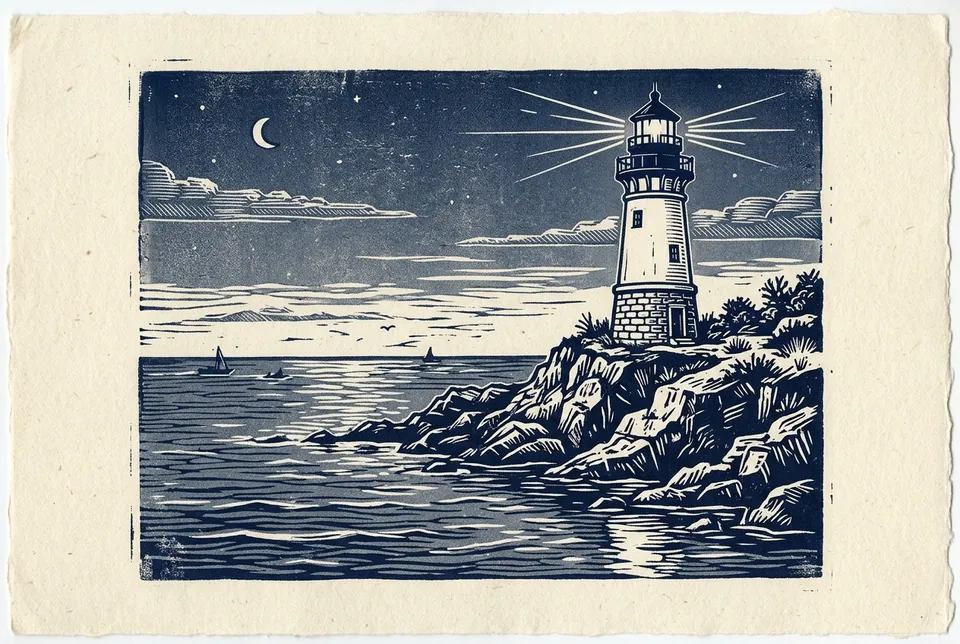 ▸ 05NF PRAI art stylesSixteen style words on one lighthouse.Read the page
Background and records
Where prompts came from, and what your finished image will carry.
- What happened to prompt marketplacesThe 2023 boom, and the marketplace that ran on this domain.
- Keep a prompt logRecord each job so you can repeat it and show it.
- Selling AI imagesWhat stock sites and shops ask you to declare.
- What your AI image carriesThe records a finished file can hold, from credential to prompt.
- What ChatGPT puts in your imagesThe file side of the ChatGPT guide.
Questions
How do you write a good AI image prompt?
Name the subject, the setting, the light and the medium, then the one detail that must come out right. On chat-based models write it as plain sentences; in our tests that kept details a tag list lost.
Do the same prompts work on every model?
The core description carries over, but models differ in what they add uninvited, how they handle text and whether they expose settings such as seeds. Each guide notes the model and date it was run on.
Why does the same prompt give a different image each time?
Diffusion models start from random noise, and a new run means new noise. Only tools that let you fix a seed can repeat a result exactly.
Should I use long prompts?
Use as many words as it takes to describe the picture and no more. Extra style words and quality tags such as 8k made no visible difference in our tests.
Is my prompt saved in the image?
Not in the files we tested from Google and OpenAI. Some open-model tools save it as text in PNG files, so check before you share a file if that matters to you.